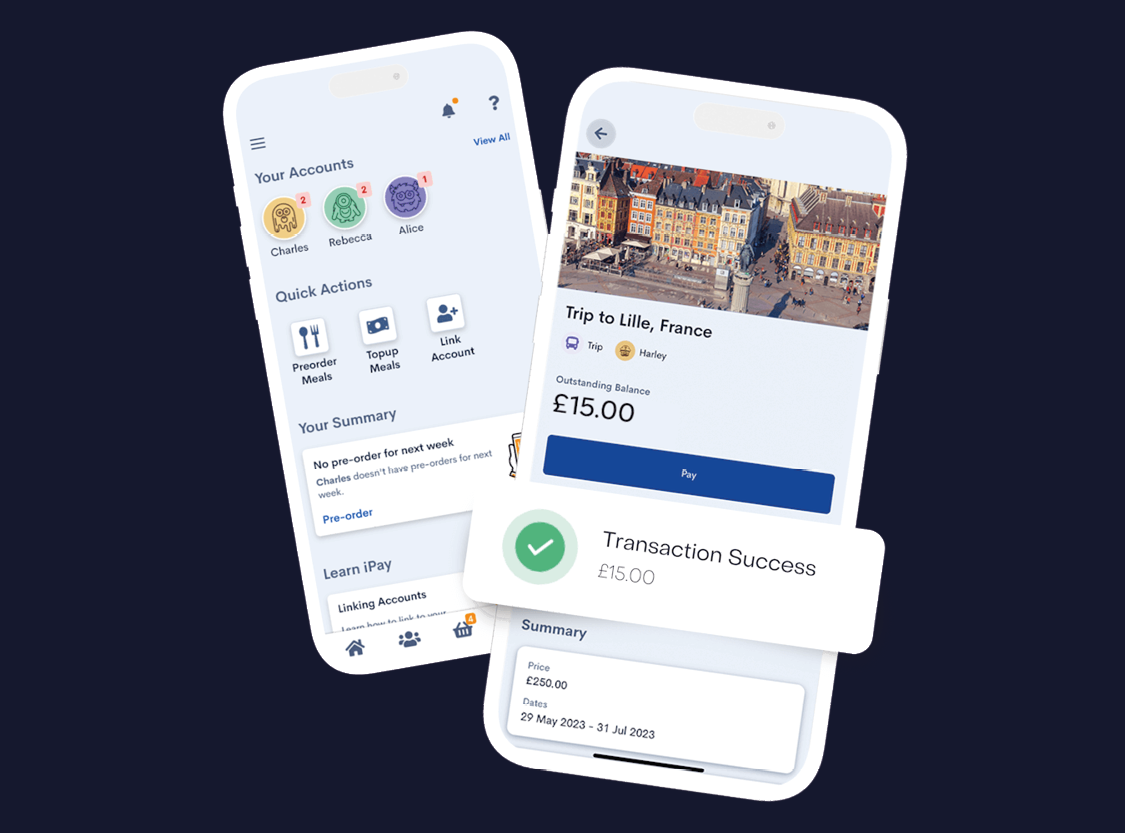
Yes. Parents and carers can register their own iPayimpact account using the student's unique Account Ref/Pupil ID sent by the College. Multiple family members can link to the same student account if needed.
You can tap your badge at all BCoT catering outlets—including the Refectory, Cafe and campus vending machines. Note that you cannot use your ID badge to pay for the Starbucks and Costa Coffee machines.
Your money is stored safely in your online iPayimpact account, not on the card itself. If you lose your badge, visit Reception to get a replacement badge issued and deactivate the old one.
If you are eligible for Free College Meals, your daily allowance is automatically credited to your iPayimpact account. Simply tap your ID badge at the till as normal and you can also add extra personal funds to the same account if you wish.
Yes. Through the online dashboard, account holders can view full transaction histories, check real-time balances, and set low-balance email alerts.
Any unused personal funds remaining on your account when you finish your course can be refunded directly to the original payment card upon request through the iPayimpact portal or via BCoT Finance.
Need Help?
Haven’t received your onboarding code or having trouble logging in? Contact our team at finance@bcot.ac.uk and we will be happy to resend your registration details.